
From a whisper of a gesture to a language that guides.
A mobile RPG prototype needed its combat system to feel inevitable, not arbitrary. We built a "kinetic grammar" where every swipe carried the weight of the character's attack style. The result: a 23% reduction in tutorial drop-off during playtests.

Service Matrix
Precision tools mapped to specific outcomes. No fluff, just function.
Interface Choreography
Designing the kinetic language between user input and system response—swipes, transitions, state shifts.
Motion Storyboarding
Narrative-first approach that maps user emotion to interface choreography before any code is written. We storyboard the journey, not just the screens.
Data Sonification
Transforming complex datasets into audible & visual narratives for analytics or genre-bending games.
Prototype Velocity
Rapid, interactive prototypes in Figma/ProtoPie. We test motion logic, not just static flows.
Polish Phase
Refining micro-interactions (0.1s delays, easing curves) to feel organic, not mechanical.
Method Note
Our rubric for evaluating robustness & limits.
The Fidelity/Performance Curve
We model every animation against a curve where the X-axis is visual richness and the Y-axis is device performance (FPS, battery). Our deliverable is the point where the curve begins to flatten—maximum impact before diminishing returns. We use tools like Unity's Profiler and Xcode Instruments to validate, not guess.
Easing Library Curation
We don't use every easing function. We maintain a curated library of 12 core curves, each tagged with a purpose (e.g., "Elastic-Out: for award notifications, feels celebratory; "Ease-Back: for undo actions, implies caution). This constraint ensures consistency and speeds up client review.
Decision Lens
Criteria: Technical Feasibility
We run a 'Canvas Stress Test' on the first concept. Can the target device (often iPhone 8 / Snapdragon 660) render 3 concurrent custom shaders at 60fps? If not, we pivot to baked video textures or simplify geometry before the client gets attached.
Optimizes For
- Playtesting budget (fewer bottlenecks)
- App Store approval (no rejected for performance)
- Player retention (smooth experience)
Sacrifices
- Maximum visual complexity on low-end devices
- Flexibility for last-minute "just one more feature"
Evidence
Annotated constraints from recent projects.
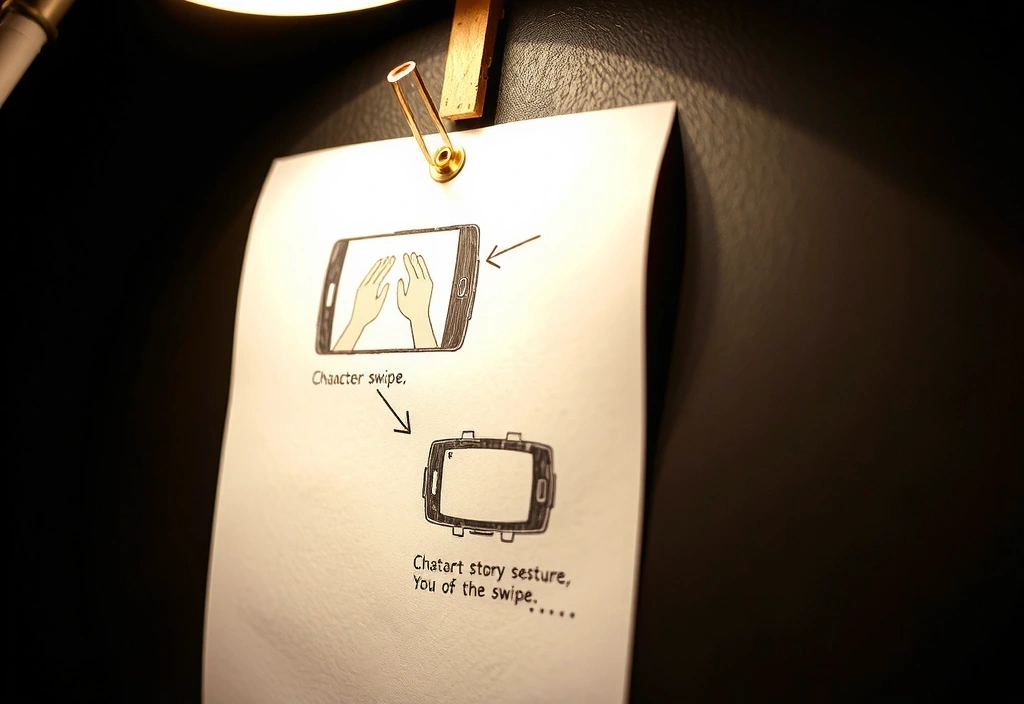
"Client needed 50+ unique skill animations on a 3-month timeline. We built a modular 'animation grammar' system in Unity, allowing artists to mix-and-match core movements, cutting asset production time by 70%."
A client's prior version was rejected for 'unresponsive UI'. We optimized input feedback loops to 80ms, balancing visual delight with perceived performance, securing approval on the first review.
Trade-offs
What we choose, and why.
Bespoke Animation Libraries
Downside: Longer dev time, higher initial cost.
Mitigation: We document the core engine, enabling future in-house updates without full redevelopment.
Performance Over Polish
Downside: We may cut a beautiful effect if it drops frame rates below 60 on target devices.
Mitigation: We provide a "High Performance" vs "Standard" toggle for clients, explaining the player experience impact.
Narrative First
Downside: We decline projects that want "motion for motion's sake" without a user or story goal.
Mitigation: We offer a standalone 'Motion Audit' workshop to identify narrative anchors before full commission.
Glossary With Opinion
Terms we use, and why we have a strong point of view on them.
Kinetic Fidelity
The degree to which an animation reinforces the physics and weight of the implied object/character.
Opinion: Too often sacrificed for "snappy" menus. We argue for it in character movement—it's the difference between a toy and a weapon.
Interaction Affordance
A motion's ability to clearly suggest its own function without text labels.
Opinion: We avoid icons that require animation to be understood. If a user can't guess the tap target in 0.3s, the animation is decorative, not functional.
Motion Debt
The cumulative performance cost of unoptimized animations, accumulating silently until a frame drop is felt.
Opinion: It's technical debt, but worse because it's felt physically. We profile every merge, not just before launch.
Choreography Budget
A fixed allocation of attention and processing power for dynamic elements per screen.
Opinion: We assign a strict 'budget' (e.g., 3 dynamic focal points). This forces design decisions and prevents cacophony.
Reducing Cognitive Load in a Puzzle RPG
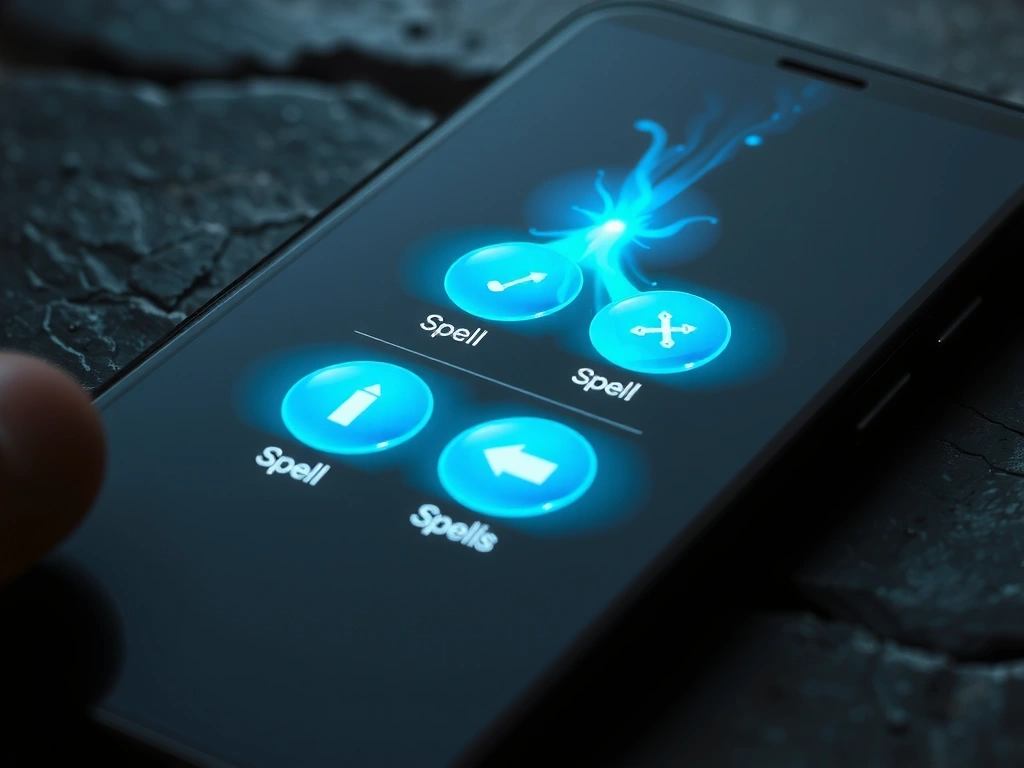
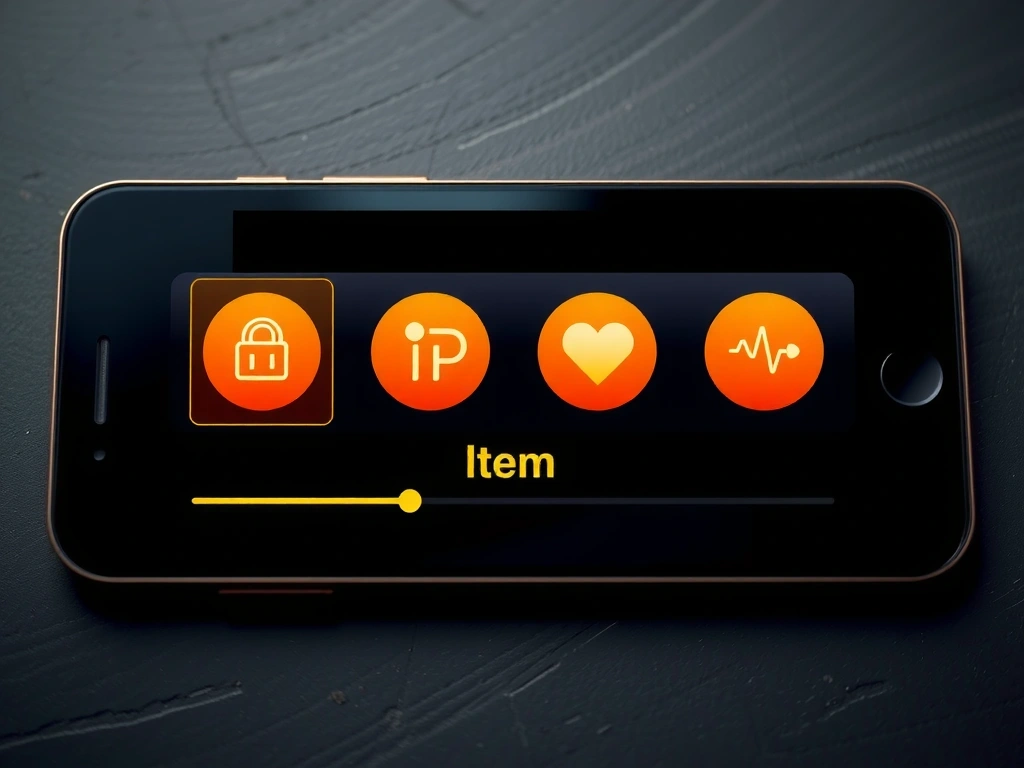
A client's puzzle game had a 68% tutorial abandonment rate. Players couldn't distinguish between "spell" and "item" menus. We implemented a motion grammar: spells had a "liquid" shimmer with a sharp end-point, items had a "solid" pulse with a smooth fade. Post-launch, tutorial completion rose to 92%, and 1-star reviews mentioning "confusing UI" dropped by 40%.
"They turned our design problem into a cinematic language. We didn't need more tutorial text; we needed the interface to feel like a character itself."
Ready to define your studio's kinetic language?
We accept a limited number of client projects each quarter to ensure deep focus. Let's discuss your motion goals, constraints, and what a partnership would look like.
Initiate ConsultationMarklino.pro Studio
Alexanderplatz 1, 10178 Berlin, Germany
info@marklino.pro | +49 30 12345678